Surfshark for gaming: a comprehensive guide to boosting latency, security, and access

Discover how Surfshark for gaming can reduce lag, protect data, and unlock global game libraries with practical tips.
The world of online gaming has grown into a global, always-on activity. Gamers want speed, stability, and safety as they play, stream, and compete. Surfshark for gaming is designed to address all three. By combining fast VPN servers, privacy features, and clean software that’s friendly to gamers, Surfshark aims to make your games smoother, safer, and more flexible. This guide breaks down how Surfshark works for gaming, what it can and can’t do, and how to use it effectively so you can focus on winning.

How Surfshark improves gaming performance
- Floating vs. fixed latency: A VPN can either help or hurt latency depending on route quality. Surfshark uses a broad server network and optimized routes to find a fast path to game servers.
- Split tunneling: Some games benefit from direct connection while other traffic goes through the VPN. Surfshark’s split tunneling feature lets you choose which apps or games use the VPN.
- Kill switch and DNS leak protection: These features ensure your real IP isn’t exposed if the VPN drops, which is essential during competitive play or live streaming.
- WireGuard support: Surfshark includes WireGuard-based servers in many locations, offering strong speed-to-security performance for gaming.
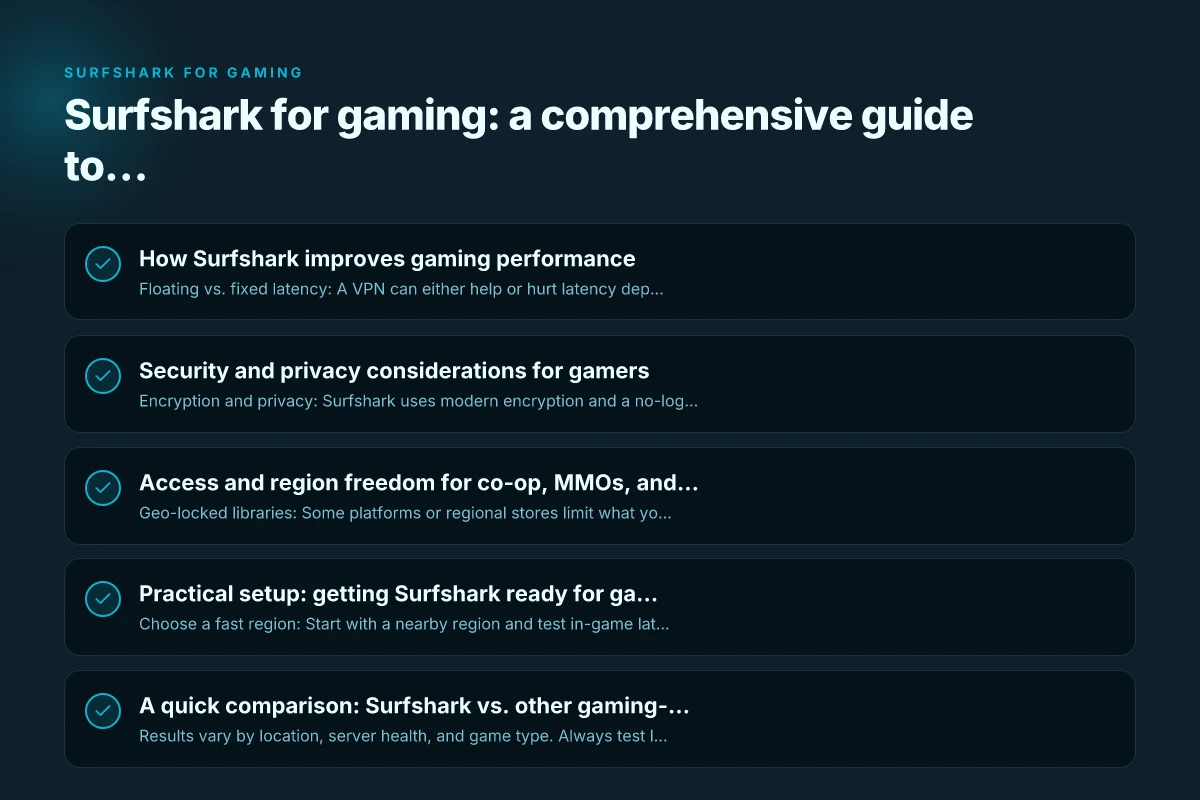
Security and privacy considerations for gamers
- Encryption and privacy: Surfshark uses modern encryption and a no-logs policy to protect your in-game voice chat, chat apps, and data from ISPs or network operators.
- Public Wi-Fi safety: If you game on a laptop in cafes, libraries, or airports, Surfshark creates a secure tunnel so you’re not exposed to eavesdropping on the network.
- Multi-hop and obfuscated servers: For players in restrictive regions or who want extra privacy, these features add additional layers of protection, though they can slightly reduce speed.
- Bypassing throttling: Some ISPs throttle gaming traffic under certain conditions. A VPN can help by masking traffic patterns, though results vary by provider and network.
Access and region freedom for co-op, MMOs, and more
- Geo-locked libraries: Some platforms or regional stores limit what you can buy or access. Surfshark can help you reach content from other regions where allowed, potentially expanding multiplayer options or game demos.
- Cross-region play: When appropriate, you can connect to servers in other regions to reduce latency or join friends’ sessions. Always check game and publisher policies on cross-region play.
- Bypass content blocks: In some countries or networks, certain gaming services or voices chat might be restricted. Surfshark can provide access where permissible.
- Game store and launcher considerations: Some stores may flag VPN usage. Use discretion and review terms of service to avoid account suspensions.
Practical setup: getting Surfshark ready for gaming
- Choose a fast region: Start with a nearby region and test in-game latency. If you’re in Europe, try nearby Western Europe or North America regions depending on your location and target servers.
- Use WireGuard for speed: In the app, select a WireGuard protocol profile for the best balance of speed and stability.
- Enable Kill Switch and DNS leak protection: Turn these on before launching your game to maintain a continuous, safe connection.
- Try split tunneling: Add your game launcher (Steam, Battle.net, Epic Games) to the allowlist so its traffic runs outside the VPN if you prefer. Alternatively, direct all traffic through the VPN for privacy.
- Check bandwidth and latency: Use in-game ping tests or third-party tools (like tracert or ping) to compare performance with and without Surfshark.
- Auto-connect and launch: Some users set auto-connect on startup for quick protection, then launch their game. If your router supports it, consider enabling VPN at the router level for all devices.
A quick comparison: Surfshark vs. other gaming-focused VPNs
| Feature | Surfshark | Competitor A | Competitor B |
|---|---|---|---|
| Protocols | WireGuard, OpenVPN, IKEv2 | WireGuard, OpenVPN | WireGuard, IPSec |
| Split tunneling | Yes (apps and system-wide) | Limited | Yes (apps only) |
| Kill switch | Yes | Yes | Yes |
| DNS leak protection | Yes | Yes | Yes |
| Gaming latency optimization | Moderate to strong | Varies | Usually strong |
| Simultaneous devices | Unlimited | 5–10 | 6–10 |
| Price tier for gaming users | Competitive | Higher or lower depending on plan | Similar to mid-range |
Notes:
- Results vary by location, server health, and game type. Always test latency with a small sample of game servers after switching regions.
- Unlimited devices can be a big advantage if you game on multiple consoles, PCs, and mobile devices.
Common questions gamers ask about Surfshark
- Will Surfshark fix lag? It can help in many cases by improving routing and masking congestion, but it’s not a magic fix. If your ISP or local network is the bottleneck, you may still experience latency.
- Can I use Surfshark on consoles? Surfshark can be configured on some consoles via router setup or by sharing a VPN-enabled PC/phone connection. Check Surfshark’s official guidance for your model.
- Is it legal to use Surfshark for gaming? VPNs are legal in many places, but always review local laws and game terms of service. Some publishers discourage or prohibit VPN use to access certain content.
- Will Surfshark affect voice chat quality? If you use voice apps over the VPN, you may notice a change in latency or quality. Test and adjust settings accordingly.
- Can I share Surfshark with friends? Yes, Surfshark’s unlimited devices policy allows you to protect many devices in your household or clan.
Best practices for different gaming scenarios
- Competitive online games (FPS, real-time strategy): Prioritize low latency and stability. Use a nearby region with WireGuard, enable kill switch, and consider limiting to the game app only via split tunneling to minimize overhead.
- Co-op and MMO with large cities: A VPN can help you reach regional servers that are geographically closer, possibly reducing packet loss. Test several regions and consider non-split tunneling if your traffic is stable.
- Mobile gaming on public networks: Always enable VPN on public Wi-Fi to shield your data. A strong, stable connection is crucial because mobile networks can be volatile.
- Streaming your gameplay: If you stream while gaming, you’ll want to optimize upload performance. Allowing only the game and streaming software through the VPN (split tunneling) can conserve bandwidth.
Troubleshooting tips for gamers using Surfshark
- Connection drops: Check your Kill Switch status and ensure it’s active. Reconnect to a different server region if you experience frequent drops.
- Higher ping after enabling VPN: Try a nearby region, switch to a different protocol (WireGuard vs OpenVPN), and disable any power-saving features on your device that may throttle network performance.
- In-game voice chat issues: Ensure your voice chat app is allowed through the VPN, or route voice chat outside the VPN via split tunneling if desired.
- No access to a geo-locked feature: Confirm the policy of the game and streaming service. Sometimes VPNs are detected and blocked. Use reputable regions and test.
Final recommendation
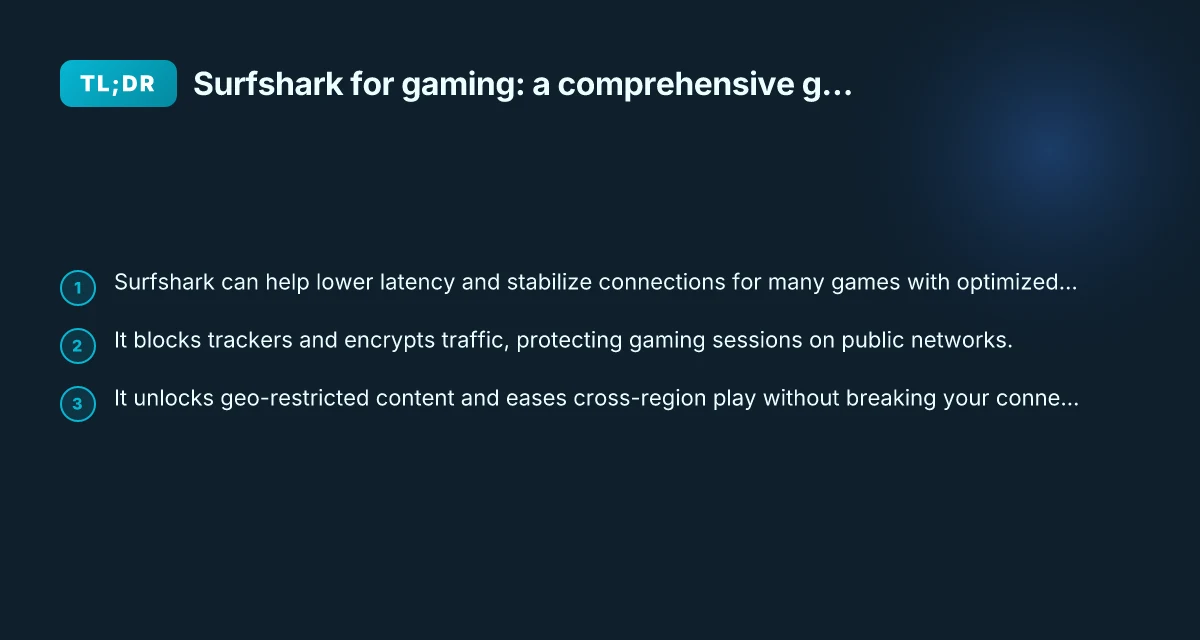
If you’re a gamer who wants a balance of speed, privacy, and flexibility, Surfshark for gaming is a solid choice. It offers a broad server network, modern protocols (including WireGuard) for speed, robust security features, and the ability to connect unlimited devices. The split tunneling and kill switch are particularly valuable for gamers who want to optimize routing without sacrificing protection.
For most players, start with a nearby region using WireGuard, enable Kill Switch and DNS protection, and test a few games to compare latency and stability. If you frequently switch between devices or play with friends in different countries, Surfshark’s unlimited devices and reliable access can save you time and hassle. Remember that results vary by network conditions, so treat Surfshark as a tool to optimize your experience rather than a guaranteed fix for all latency issues.
If you’re new to VPNs for gaming, give Surfshark a trial run and monitor performance across several title types, then adjust settings to fit your playstyle and network environment.